Case study · SaaS tool for teams
Signature Generator
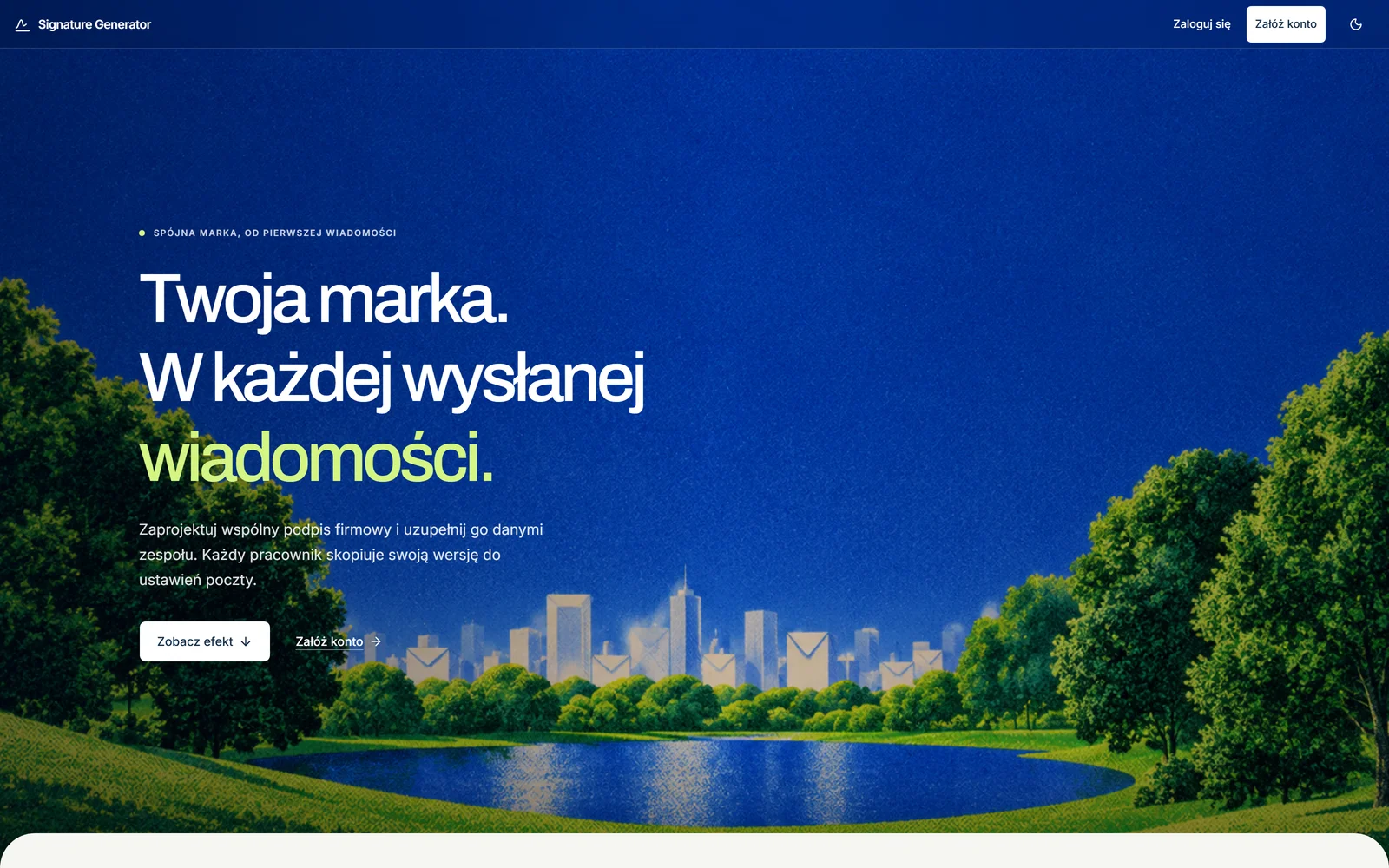
A tool for small and mid-sized companies that want one consistent email signature across the whole team, without involving IT.
- 01Problem
- In a small company everyone makes their own signature in a random generator, and after a logo change the old ones linger for months.
- 02Solution
- An admin sets up one template and the team list, and each person gets a ready signature to paste into their mail.
- 03Result
- A working app in development, verified in Gmail.
01 · Context
Why it exists.
Free generators make one signature for one person and stop there. Enterprise tools work, but they are expensive and have to be wired into the mail server. The project came from spotting that gap, and from wanting the tool myself.
One constraint shapes everything: the signature has to look the same in Gmail, Outlook and Apple Mail, and those clients understand only old, heavily limited HTML.
02 · What I built
What is in it.
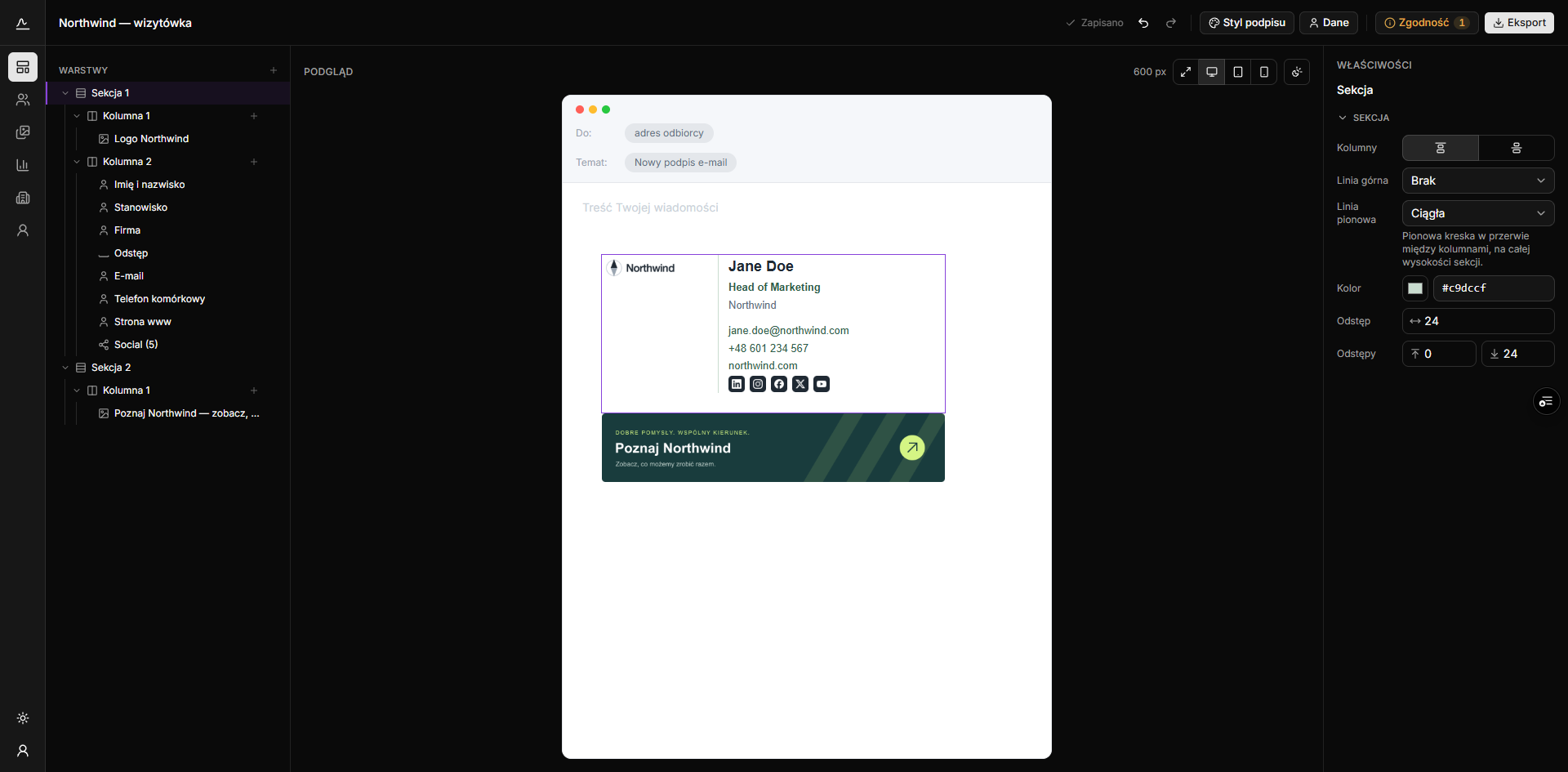
- An editor with a live preview and eight ready layouts to start from.
- A spreadsheet-style team list that takes a paste from Excel. Each person can have their own template, say one per department.
- Warnings before anything goes out: a logo Outlook will not show, a signature that is too heavy, low contrast.
- Campaign banners with dates and a click counter, attached to many templates at once.
- An employee panel where people fill in only the fields the admin left open.
03 · Decisions
The decisions that mattered.
The preview and the copied signature come from the same code.
WhyTwo separate paths would drift apart, and the admin would approve a look the team never gets.
No mail-server integration: everyone pastes the signature in themselves.
WhyIntegration means cost and a talk with IT, which is why small companies skip enterprise tools. The price is re-pasting after a template change.
The click counter stores only the campaign, the day and a count, nothing about who clicked.
WhyThe link lands in a stranger’s inbox, and they never agreed to be tracked, so the app deliberately shows no unique clicks.
04 · Status
Where it stands now.
The app works, but it has no users besides me and no permanent domain yet. Gmail is verified from paste to send, desktop Outlook still needs a test, and invitations are handed over manually for now.